What to Know About Using Smart Boards?
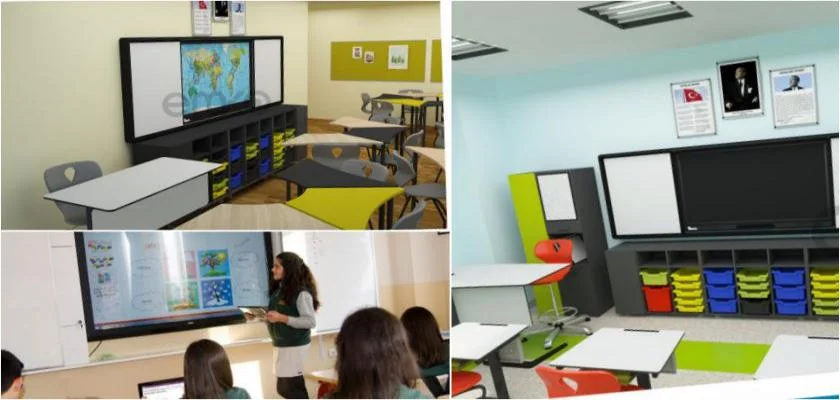
With the abandonment of the flashcard method in 1st grade and the adoption of handwriting-based sound-based sentence systems, many different software programs are emerging that teach the writing of handwriting letters and their sounds. Today, there are many different educational software and programs used for teaching reading and writing with handwriting through smart board systems. This way, children learn to read and write in a short time while having fun. The smart board cable is connected to the USB ports of the computers. At this point, it should be known that the software that comes with the smart board must be installed on the computers beforehand. The companies that sell smart boards usually install the necessary programs on the computers, and the pens must also be calibrated. When you click on the calibration section within the programs, 6 dots appear on the board, and you can complete the calibration process by touching each dot with the pen. Using a Smart Board with a Projector
The projector to be purchased should have a minimum brightness of 2000 lumens. The reason for this is that if a projector with lower brightness is projected into the classroom during the daytime, the image may not be sufficiently clear due to the ambient light. In such cases, the lights should be turned off and the classrooms should be darkened with dark curtains. However, projectors with high lumens, when projected into the classroom with smart board systems, provide a sufficient image even when the lights are on.